Inspect sources first
Review garment type, angle, clarity, material, and color cues before weak references enter the generation lane.
Catalog-scale apparel image production
VTO Ultra goes beyond producing one attractive AI image. It connects source inspection, reference control, model-set matching, batch generation, AI Vision QA, controlled retry, and channel-ready delivery.
Validate source quality, garment fidelity, and output consistency before scaling across the catalog.
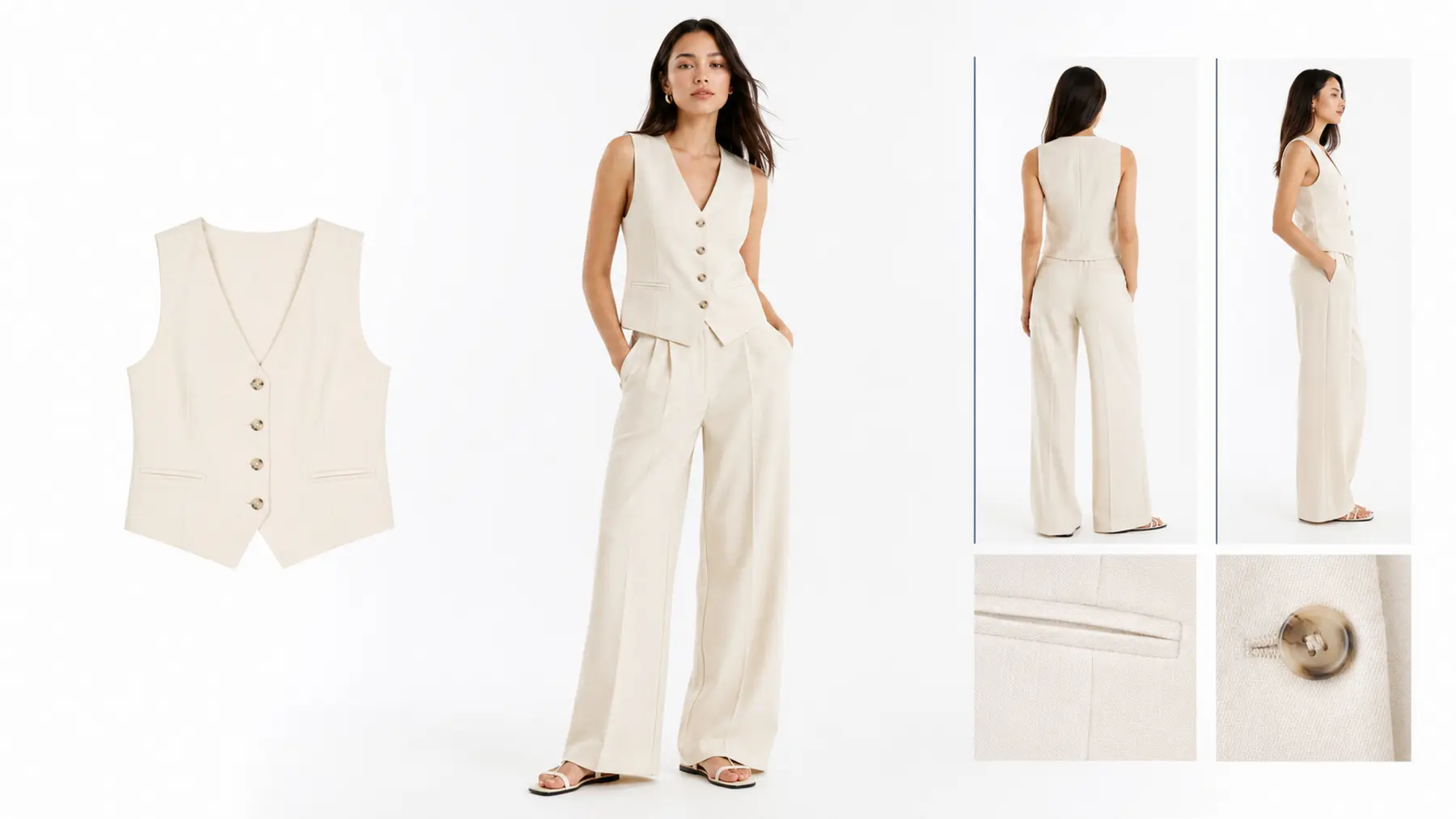
Why production is different
Self-serve AI tools are useful for fast experiments. Catalog production must also manage input quality, garment categories, viewpoints, colorways, model sets, failed outputs, approvals, and file delivery. VTO Ultra turns those overlooked steps into a manageable process.
Review garment type, angle, clarity, material, and color cues before weak references enter the generation lane.
Organize qualified inputs and match each category with tested poses, proportions, camera angles, and base looks.
Use AI Vision to review outputs, record issues, and route failures into controlled retry instead of presenting only hand-picked winners.
Automation stack
Each project is configured around its garment categories and use cases. The operating logic stays consistent: clean the data before expensive generation, then include quality control and delivery requirements in the same lane.
Check angles, clarity, colors, material cues, and whether each image can safely guide generation.
Filter noise and organize categories and colorways before they enter a batch.
Organize shape, texture, color, and viewpoint references, then pair them with proven model settings.
Create front, side, back, detail, lifestyle, or colorway assets and route weak results into retry.
Confirm garment fidelity and series consistency, then deliver channel-ready sizes and maintainable file versions.
Source to output examples
These examples do not imply that every source will achieve identical results. The pilot exists to validate input conditions, garment complexity, and the amount of human review required.
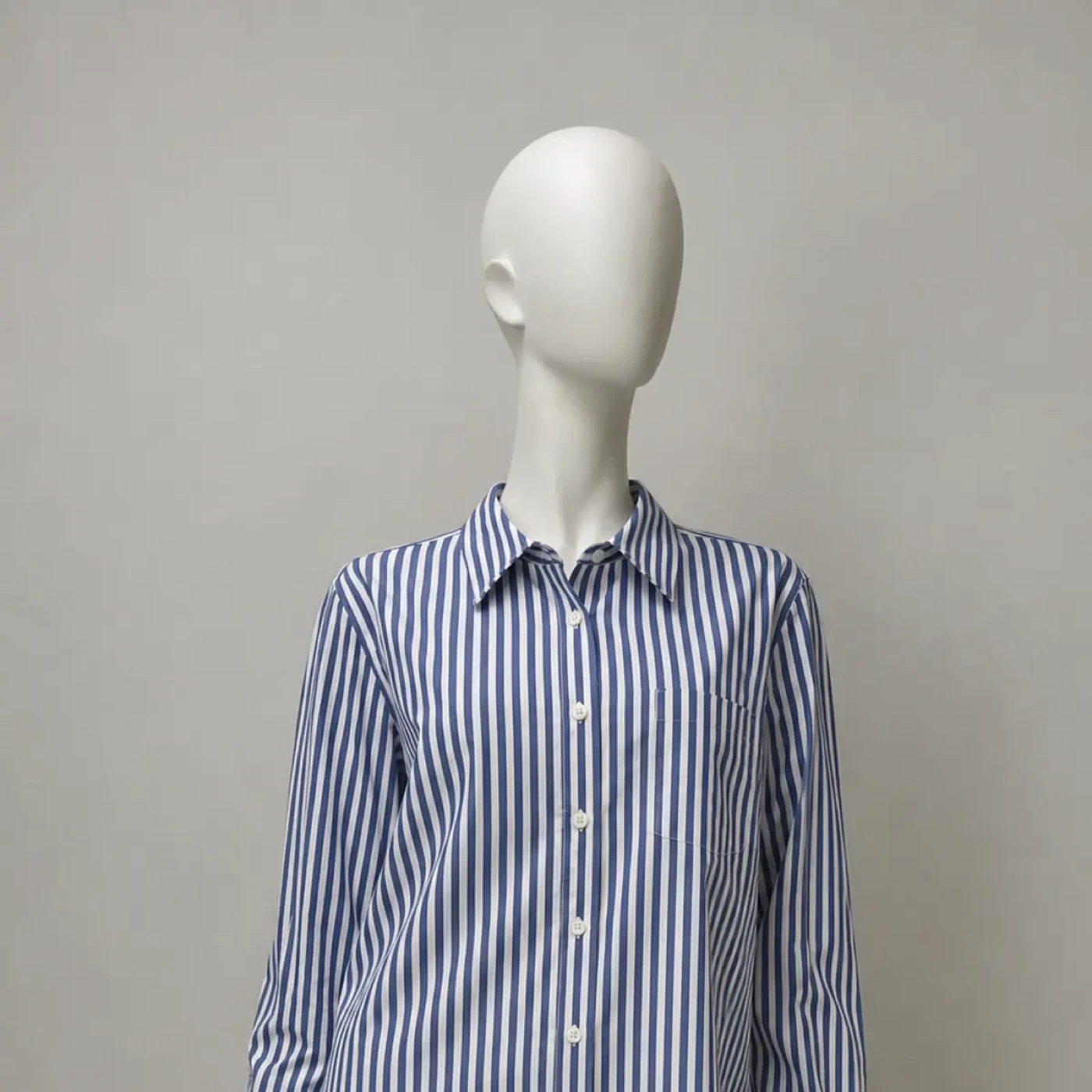
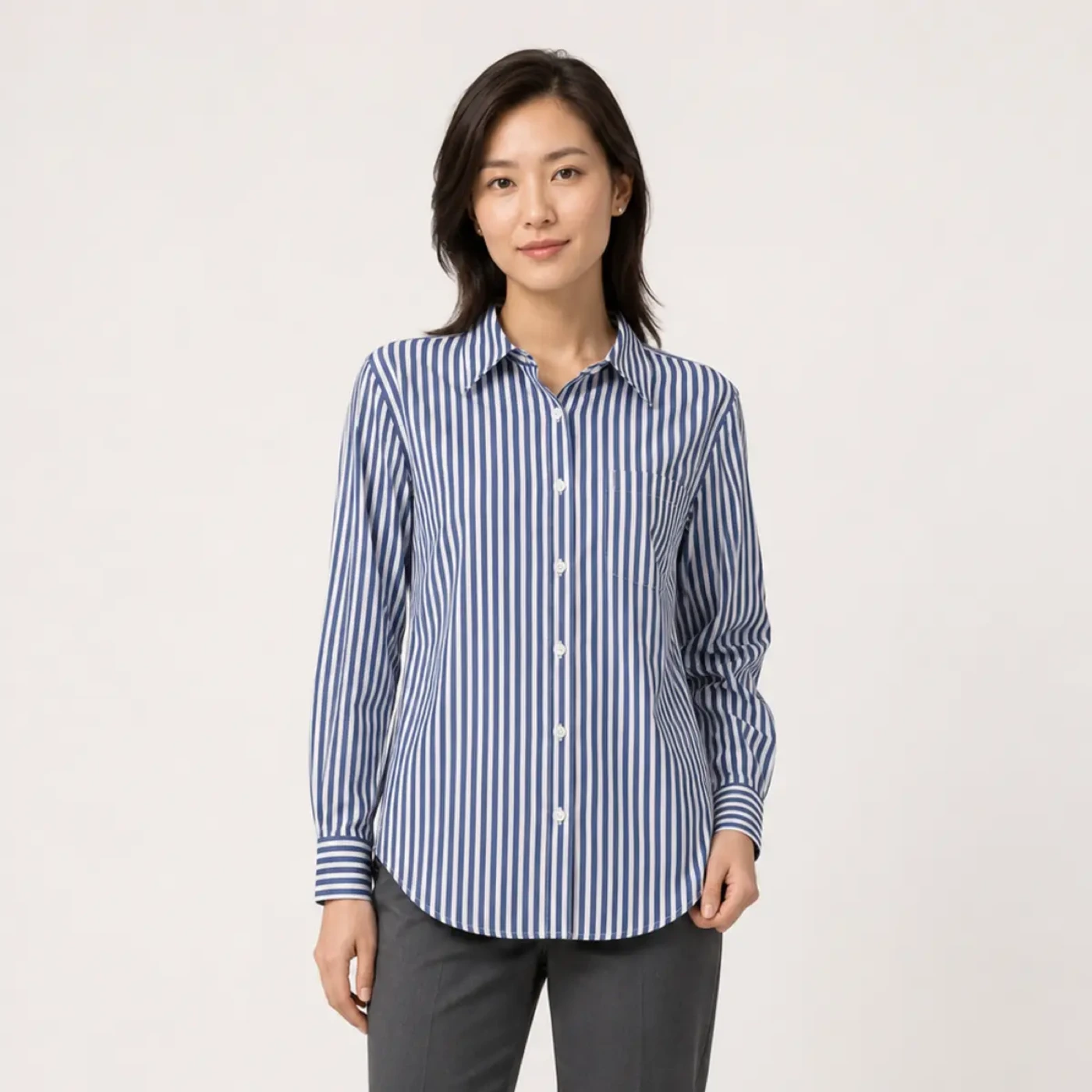
Inspect neckline, sleeve shape, length, and texture before matching an appropriate model pose.
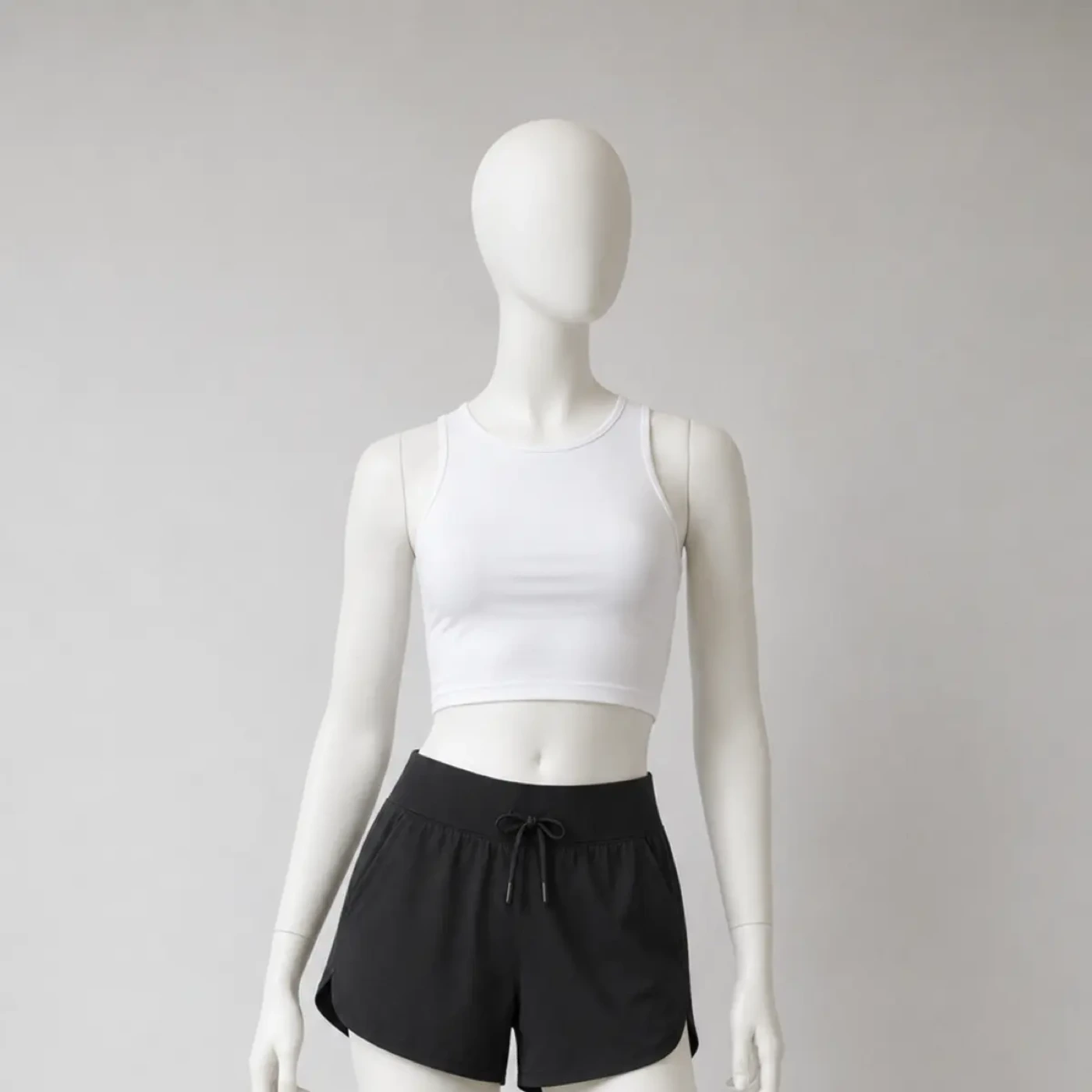
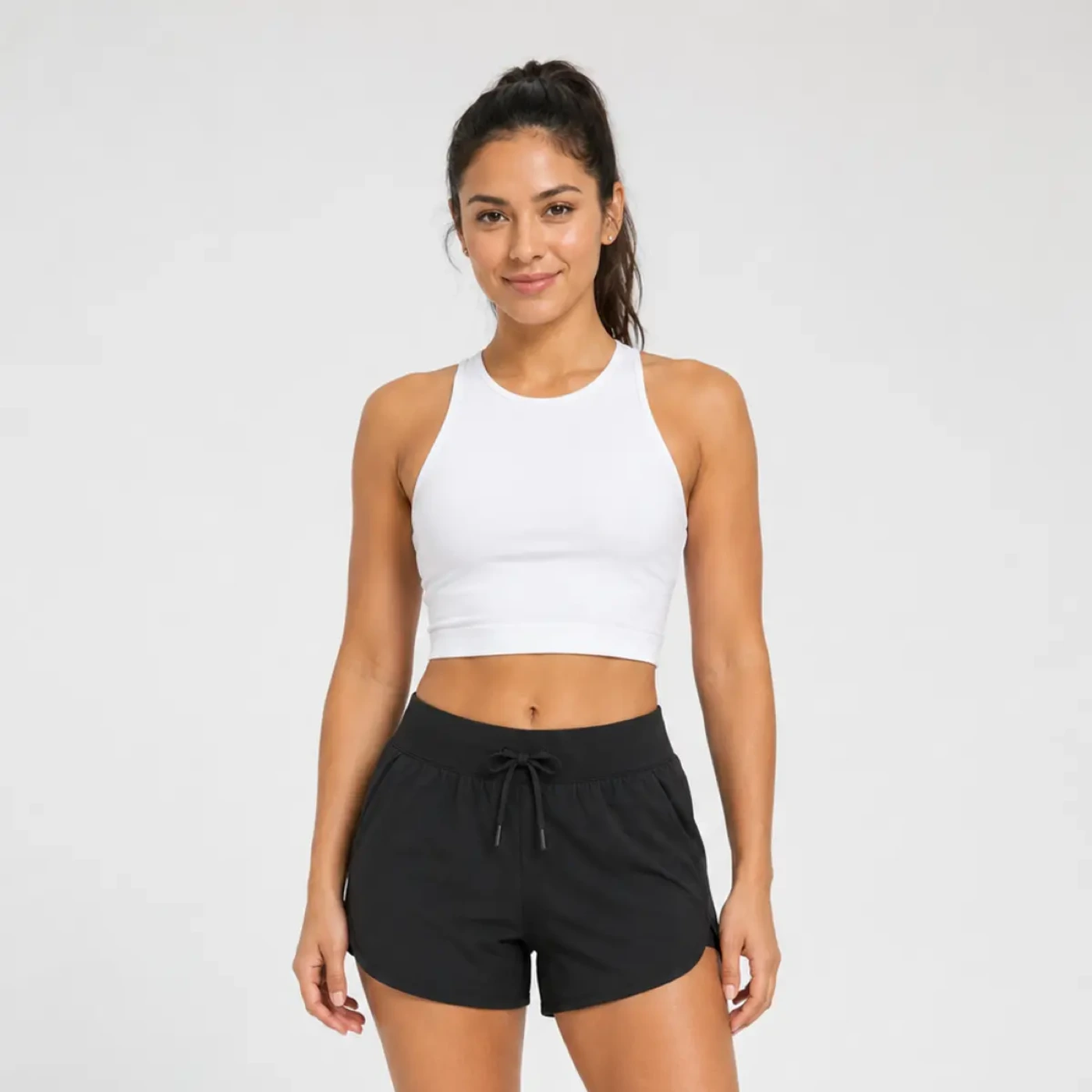
Control waistband, length, pockets, and silhouette while protecting lower-body proportions.
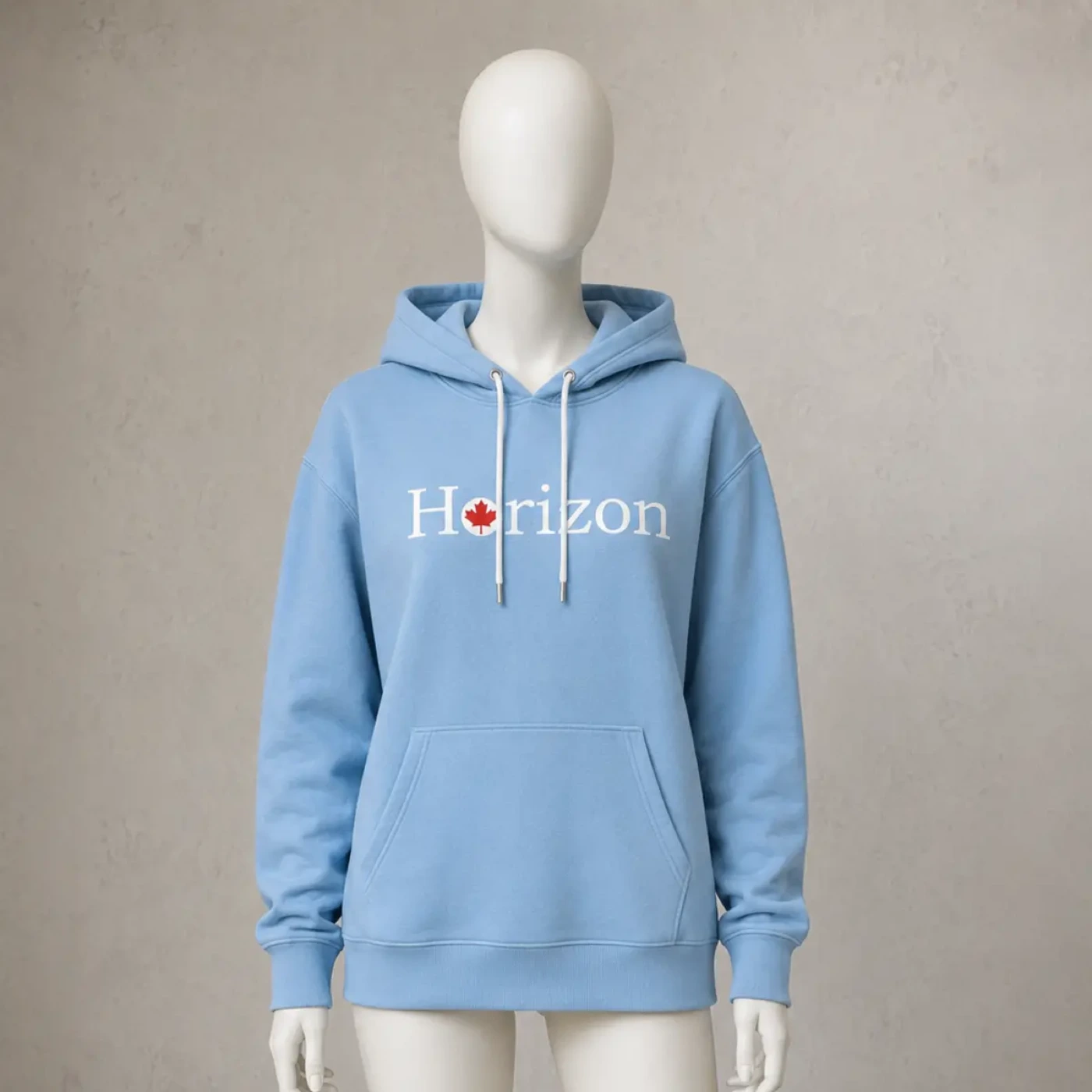
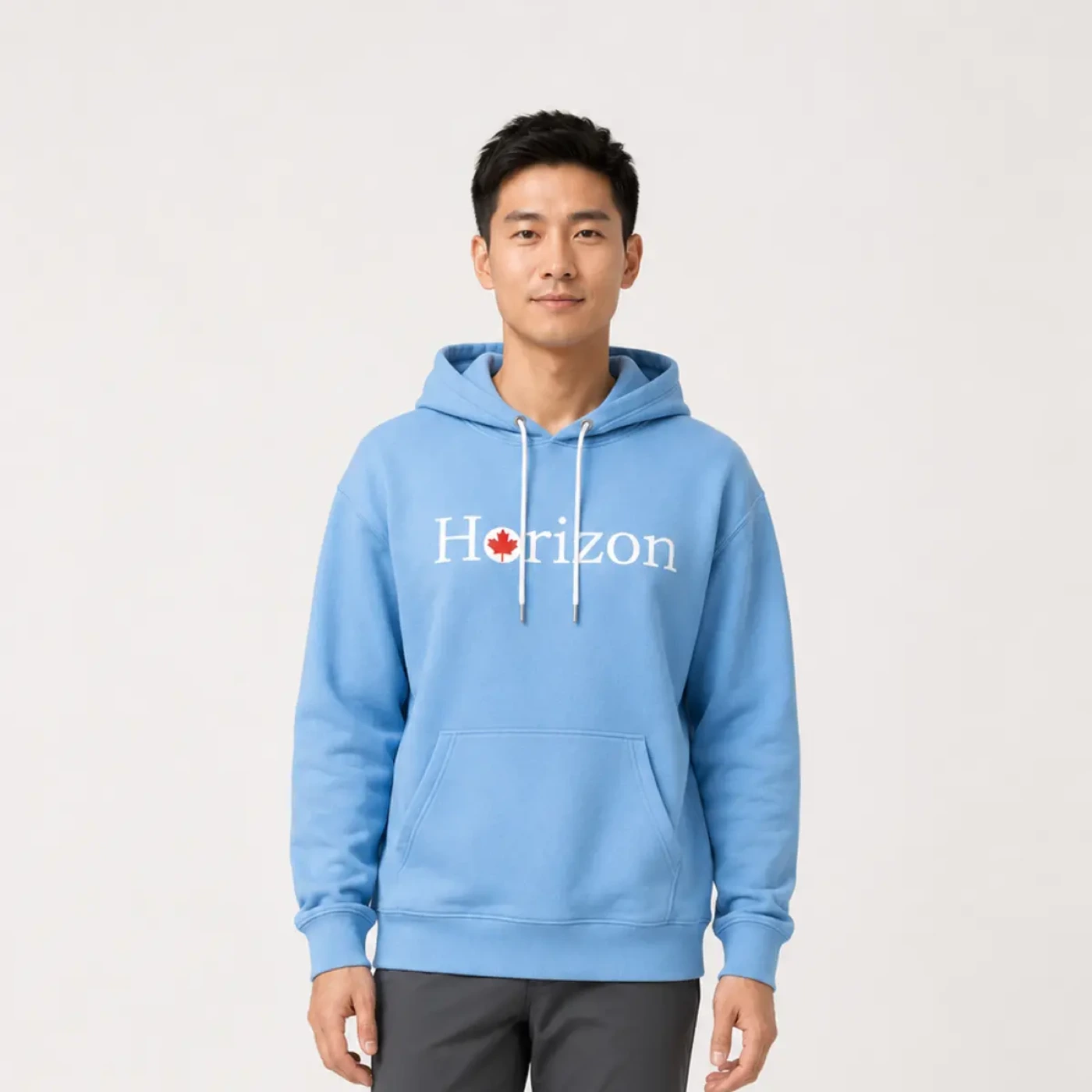
Set QA priorities for the hood, drawstrings, cuffs, body shape, and printed details.
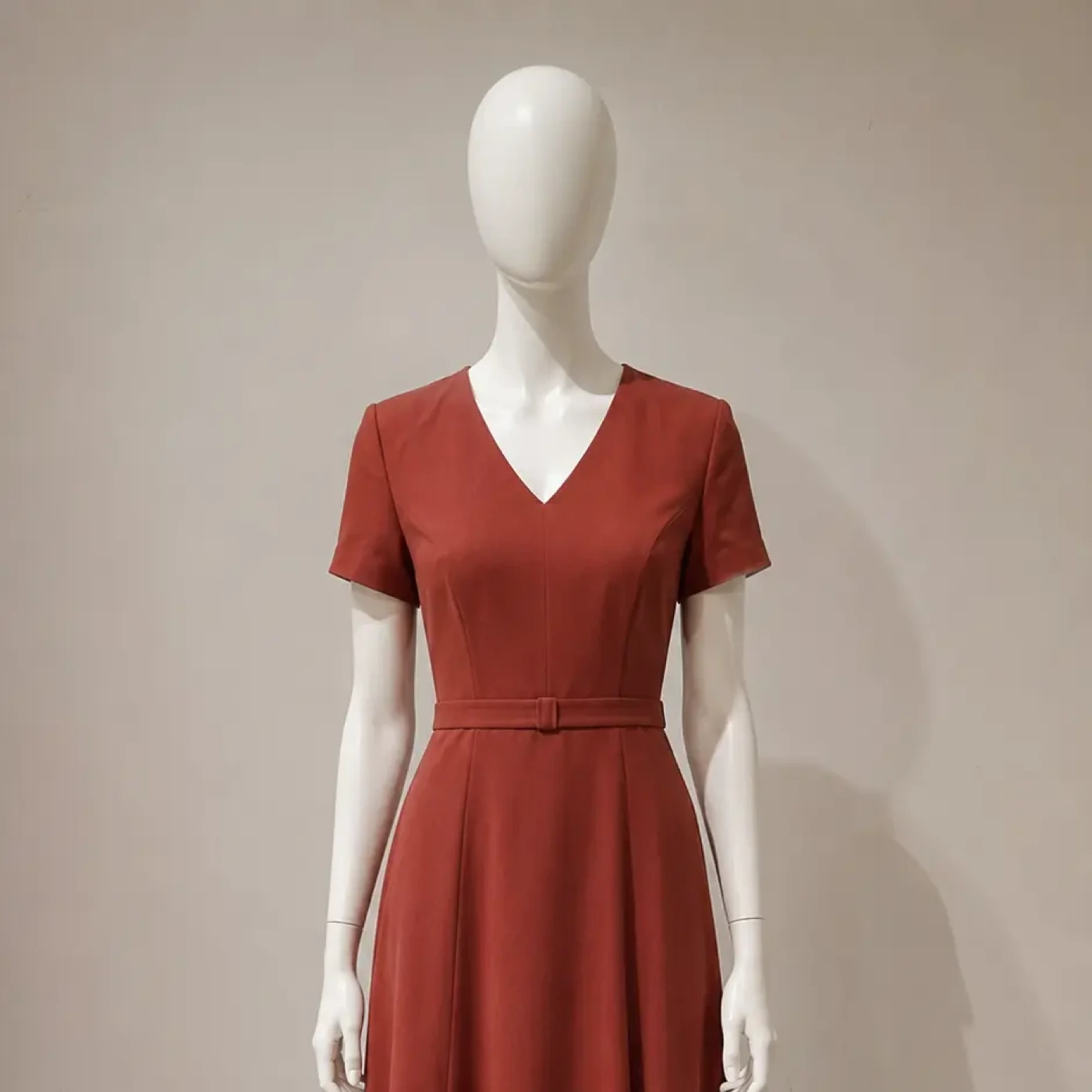
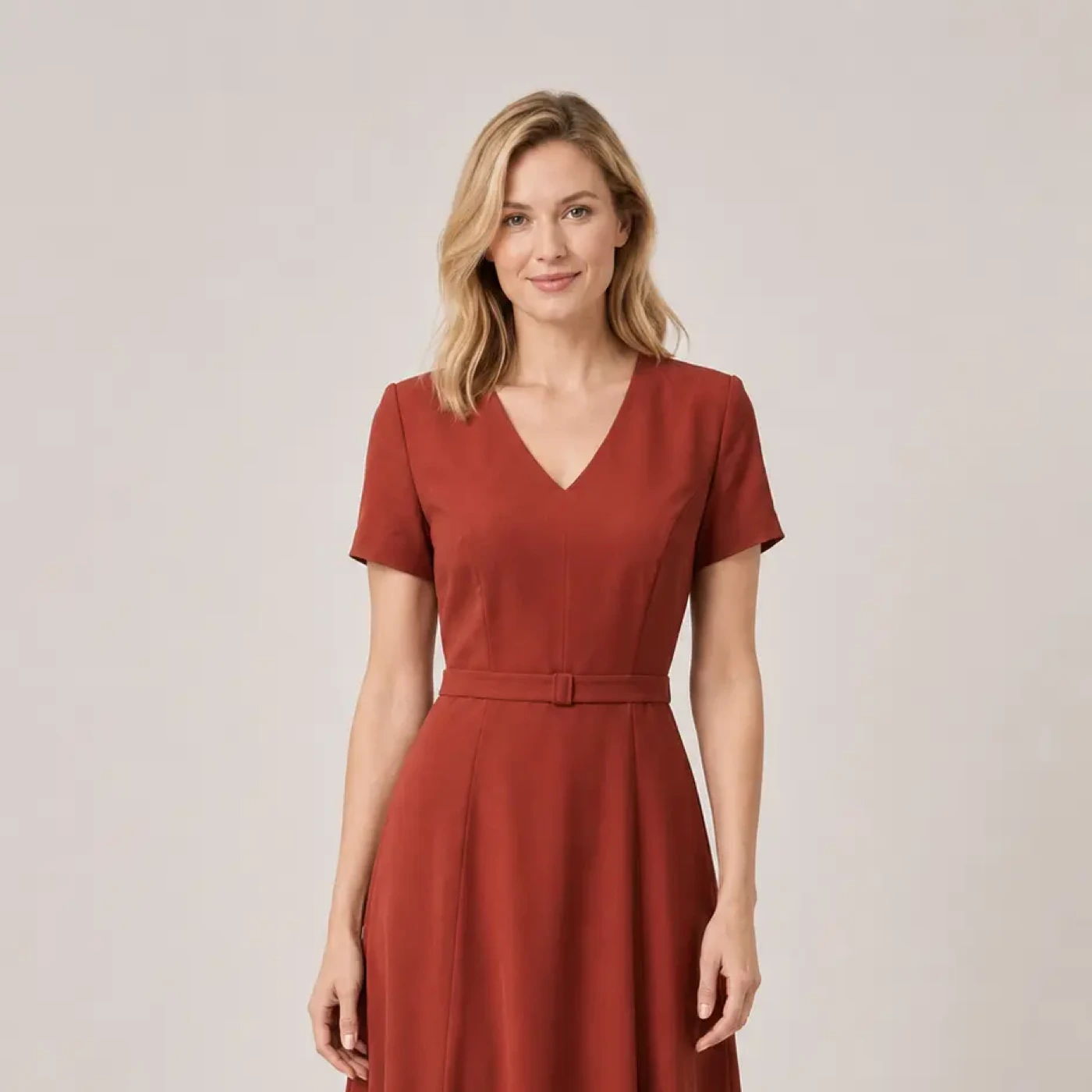
Review waistline, hem, drape, and neckline while keeping the full-body composition channel-ready.
Free 3-SKU pilot
Select three SKUs that represent your catalog's complexity and commercial priorities. We will review the source materials, output goals, and QA risks before defining the pilot.
Prefer email? [email protected]
FAQ
No. It is a brand-side image production system for consistent model, detail, lifestyle, and colorway assets used in catalogs and sales channels.
The workflow is designed for catalog-scale operations, but actual capacity depends on garment complexity, input quality, output count, and QA requirements. The 3-SKU pilot gives us evidence for scoping a larger batch.
Flat lays, hanger photos, mannequin photos, existing product images, and detail references may be usable. Suitability depends on clarity, angles, material cues, garment structure, and target outputs.
No. Customer-provided images are not used as model training data. Private deployment can also be discussed with qualified teams that need stronger data boundaries.
Pricing depends on garment type, SKU and colorway volume, source quality, model and pose requirements, output count, QA scope, and delivery workflow. A tailored scope follows the pilot.